Home/TeraBox Direct Link Generator: Turn Share Links Into Direct Download Links (2026)
Guide
TeraBox Direct Link Generator: Turn Share Links Into Direct Download Links (2026)
By FileSnag Team · Oct 18, 2026 · 10 min read
ATeraBox direct link generator is an online tool that converts a regular TeraBox share link into a direct download link. Instead of opening the share page and clicking through preview screens, the generator resolves the file on TeraBox’s servers and hands you a link that starts the download (or playback) immediately. In this guide, you’ll learn exactly what a TeraBox direct link generator does, how to use one step by step, what the generated link can and cannot do, and why these links expire or throw a 403 error.
What Is a TeraBox Direct Link?
When someone shares a file from TeraBox, you normally get a share link that looks like terabox.com/s/xxxx. Opening it loads a web page with the file preview, a download button, and sometimes a login prompt or a speed limit. A direct link, by contrast, points straight at the file itself on TeraBox’s content servers. Clicking it begins the transfer right away, without the preview page in between.
If you want the full background on this distinction, our explainer What Is a TeraBox Direct Link? (And How to Get One) walks through the difference between share links, direct links, and download links in more detail.
What Does a TeraBox Direct Link Generator Do?
A TeraBox direct link generator is simply a website that does the conversion for you. You paste the share link, the tool talks to TeraBox’s sharing service, finds the file behind the link, and produces a fresh direct download link. Think of it as a shortcut machine: share link goes in, direct link comes out.
Here is what a typical generator handles behind the scenes:
Link parsing: it reads the share link (including mirror domains like 1024terabox.com) and extracts the share ID.
File lookup: it asks TeraBox’s share service which file the link points to and gets the file’s name, size, and type.
Direct link creation: it requests a signed download URL for that file, which TeraBox’s content servers will accept directly.
Result: you get a link you can click to download, feed to a download manager, or open in a video player.
FileSnag’s homepage downloader works exactly this way: paste a TeraBox link at filesnag.com and it resolves the file and gives you direct download links, no app or login required.
Share Link vs Direct Link: Quick Comparison
The two kinds of links serve different purposes:
Share link (terabox.com/s/…) — opens a preview page; stable and can be shared publicly; may show ads, login prompts, or speed limits.
Direct link — starts the download immediately; works in download managers and players; expires after a short time.
Generators convert the first into the second. Because the result expires, you generate it when you need it, not in advance.
How to Generate a Direct Download Link from a TeraBox Share Link
Here is the step-by-step process using an online TeraBox direct link generator like FileSnag:
Copy the TeraBox share link. This is the link the file owner sent you, for example terabox.com/s/abcXYZ. Copy the full URL.
Open the generator. Go to filesnag.com in your browser. No account or app install is needed.
Paste the link. Put the share link into the input box on the page and start the process. The tool checks that the link is valid and finds the file.
Enter the extraction code if asked. If the share is password-protected, type the code the sender gave you. Generators cannot skip this step; the code is required to reach the file.
Review the file details. The tool shows the file name, size, and type so you can confirm it is the right file before downloading.
Get your direct link. Click the download button to start downloading immediately, or copy the direct link to use in a download manager (such as IDM or 1DM+) or a video player.
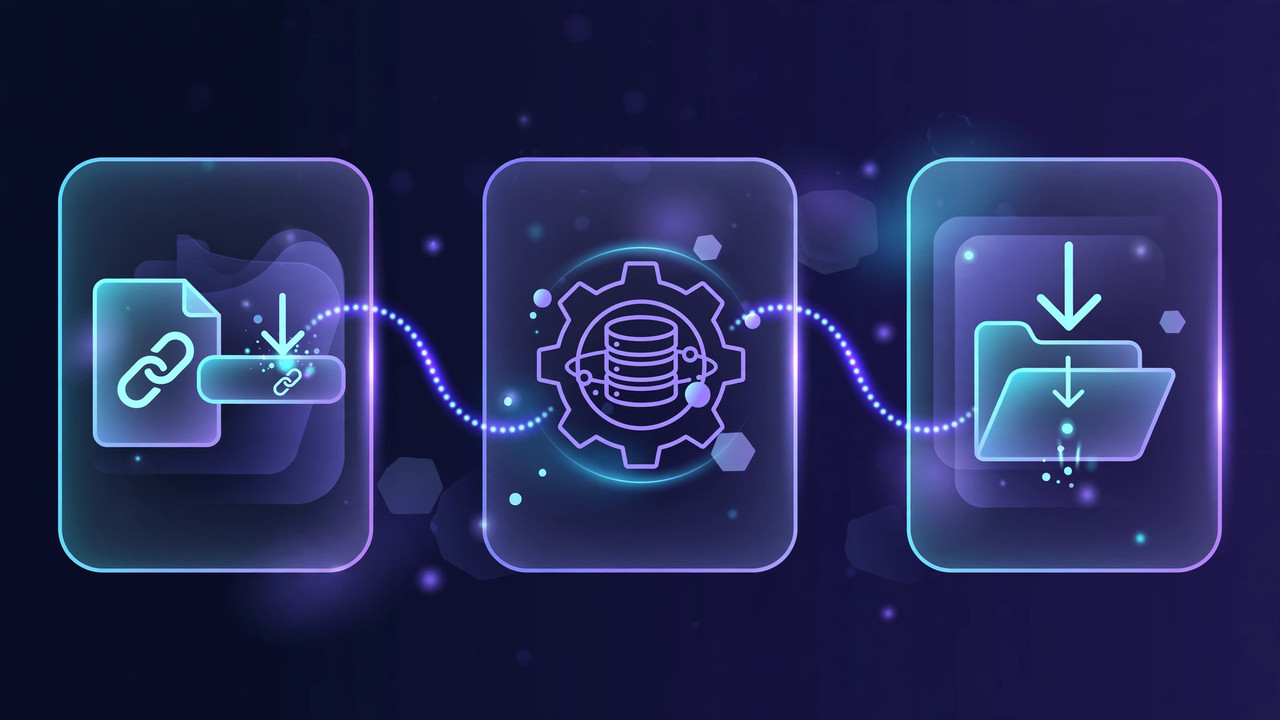
How a TeraBox direct link generator turns a share link into a direct download link in three steps.
What You Can Do With a Generated Direct Link
A generated direct link is more flexible than a share link. Here are the most common uses:
Start downloads without the share page
Clicking the direct link begins the download in your browser right away, skipping the preview page, ads, and extra clicks.
Use a download manager
Download managers like IDM (PC) or 1DM+ (Android) can grab the file from the direct link, which often gives better resume support and progress tracking than a browser download. Our guide How to Download TeraBox Videos Using IDM (and 1DM+ on Android) covers this setup.
Stream the video instead of downloading it
If the file is a video, the direct link can be played online rather than downloaded. Paste the original share link into FileSnag’s TeraBox online player to watch the video in your browser without installing anything.
Why TeraBox Direct Links Expire (and the 403 Error)
The most important thing to understand about generated direct links is that they are temporary by design. Each direct link is signed, which means TeraBox’s servers attach a time-limited permission to it. After a few hours, the signature stops being valid, and the link stops working.
This is why you should never save a generated direct link to use later or share it with others days afterward. When the signature expires, the server responds with a 403 Forbidden error. If that happens, the fix is simple: go back to the original share link and generate a fresh direct link. The share link itself does not expire (unless the owner deletes the file or changes the share), so you can regenerate as many times as you need.
Generated direct links are signed and expire within hours — a 403 error means it’s time to generate a fresh one.
Limits of TeraBox Direct Link Generators
Generators are convenient, but they have real limits you should know about:
Folders generate per-file links, not one folder link. A direct link points to a single file. For a shared folder, you generate a direct link for each file you want. See TeraBox Folder Links: How to Download Multiple Files at Once for the folder workflow.
Protected shares need the extraction code. No generator can “bypass” a password-protected share. If the sender set a code, you need it.
Deleted or private files fail. If the owner removed the file or changed the share settings, no tool can generate a working link from it.
Links cannot be reused later. As explained above, generated links expire within hours. Always generate fresh when you are ready to download.
Very large files may still be slow. A direct link removes the page friction, but the transfer speed still depends on the servers and your connection. For speed tips, see Why Is TeraBox So Slow? How to Fix Slow Download Speed.
Is Using a TeraBox Direct Link Generator Safe?
Using a direct link generator on a link someone shared with you is generally as safe as opening the share link itself: the tool only resolves the same public file. A few common-sense rules keep it safe:
Only generate links for files you have a right to access. Downloading a file shared publicly, or shared with you by its owner, is the normal use case. Don’t use generators on content you shouldn’t have.
Use reputable tools. Stick to well-known generators that don’t ask you to install software, grant permissions, or create an account. Be cautious of Telegram bots and random APKs; our comparison TeraBox Downloader Telegram Bots: How They Work and a Safer Alternative explains the risks.
Never enter your TeraBox password into a third-party site. Legitimate generators work on public share links and don’t need your login.
Respect copyright. Downloading copyrighted movies, shows, or software you don’t own the rights to can be illegal in your country. Read Is Downloading From TeraBox Legal? What You Should Know before downloading anything you didn’t create or license.
Frequently Asked Questions
How do I generate a TeraBox link?
First get the share link from the file owner (or create one yourself in the TeraBox app via the Share option). Then paste that share link into a TeraBox direct link generator such as FileSnag’s downloader, and it will produce a direct download link for the file.
How do I get a direct download link from TeraBox?
Copy the TeraBox share link, paste it into an online generator, enter the extraction code if the share is protected, and the tool will give you a direct download link you can click, copy into a download manager, or open in a player. The link works immediately and expires within a few hours.
Is a direct link the same as a share link?
No. A share link (terabox.com/s/…) opens a preview page and is stable over time. A direct link points straight at the file for immediate downloading or streaming, but it expires within hours. Generators convert share links into direct links on demand.
Do TeraBox direct links expire?
Yes. Direct links are signed with a time-limited permission, so they stop working after a few hours with a 403 error. The original share link doesn’t expire the same way, so just generate a fresh direct link whenever you need one.
Can I trust a TeraBox link?
A share link from someone you know is as trustworthy as any file they could send you. Before downloading, check the file name, size, and type shown by the generator: a “movie.mp4” that’s only 200 KB is suspicious. Never run unexpected .exe or .apk files from links, and never enter passwords or payment details on sites a link sends you to.
Why does my generated link show a 403 error?
A 403 error almost always means the signed link expired, or the file was deleted or unshared after the link was generated. The fix: paste the original share link into the generator again to get a fresh direct link. If the new link also fails, the file is likely gone or the share was revoked.
Does a direct link generator work without a TeraBox login?
Yes. Generators work on public share links and don’t need your TeraBox account. If the share has an extraction code (password), you need that code, but you still don’t need to log in.
Conclusion
A TeraBox direct link generator is the fastest way to go from a share link to an actual download: paste the link, confirm the file, and get a direct link that works in your browser, download manager, or video player. Remember the two key rules: generated links expire within hours, so create them when you’re ready, and if you hit a 403 error, just generate a fresh one. For everyday use, FileSnag’s free downloader handles the whole workflow with no app, no login, and no cost.
A TeraBox Premium account is not a separate kind of login. It is your ordinary TeraBox account with an active Premium subscription attached to it. That one detail…
Learning how to watch TeraBox videos offline is the difference between a video you can enjoy anywhere and a video that only exists while your Wi-Fi holds up.…
How to Change TeraBox Email: What Actually Works (2026 Guide) Wondering how to change TeraBox email because you lost access to your old inbox, switched to a new…